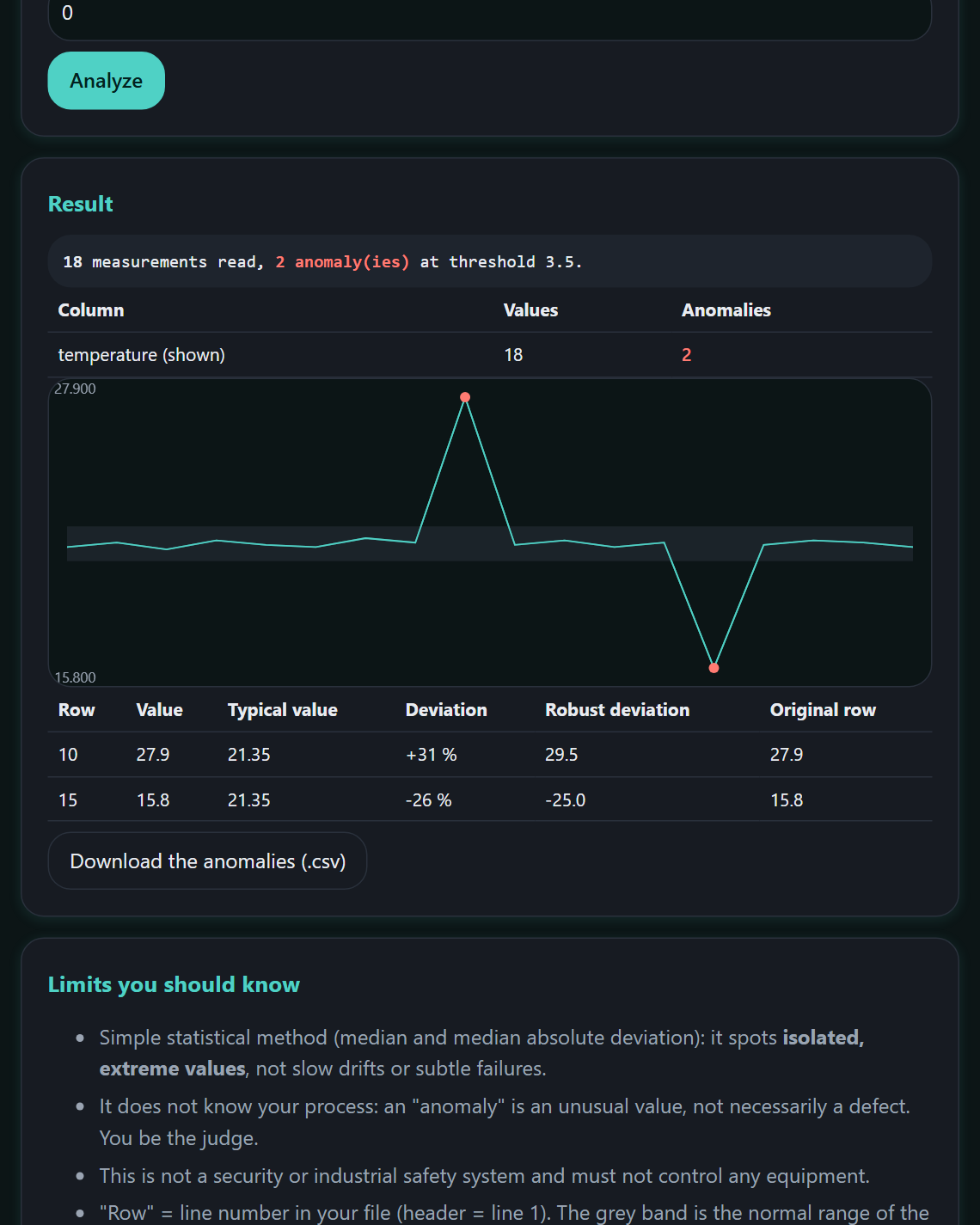
AnomalyScope
DataDrop in a CSV file: it spots abnormal values in each column, shows the typical value and the deviation, with a chart.
€15See the page →
All tools / CryptoSign
Create your keys in one click, sign a document or a text, and let your clients verify it with your public key. Everything happens in your browser.
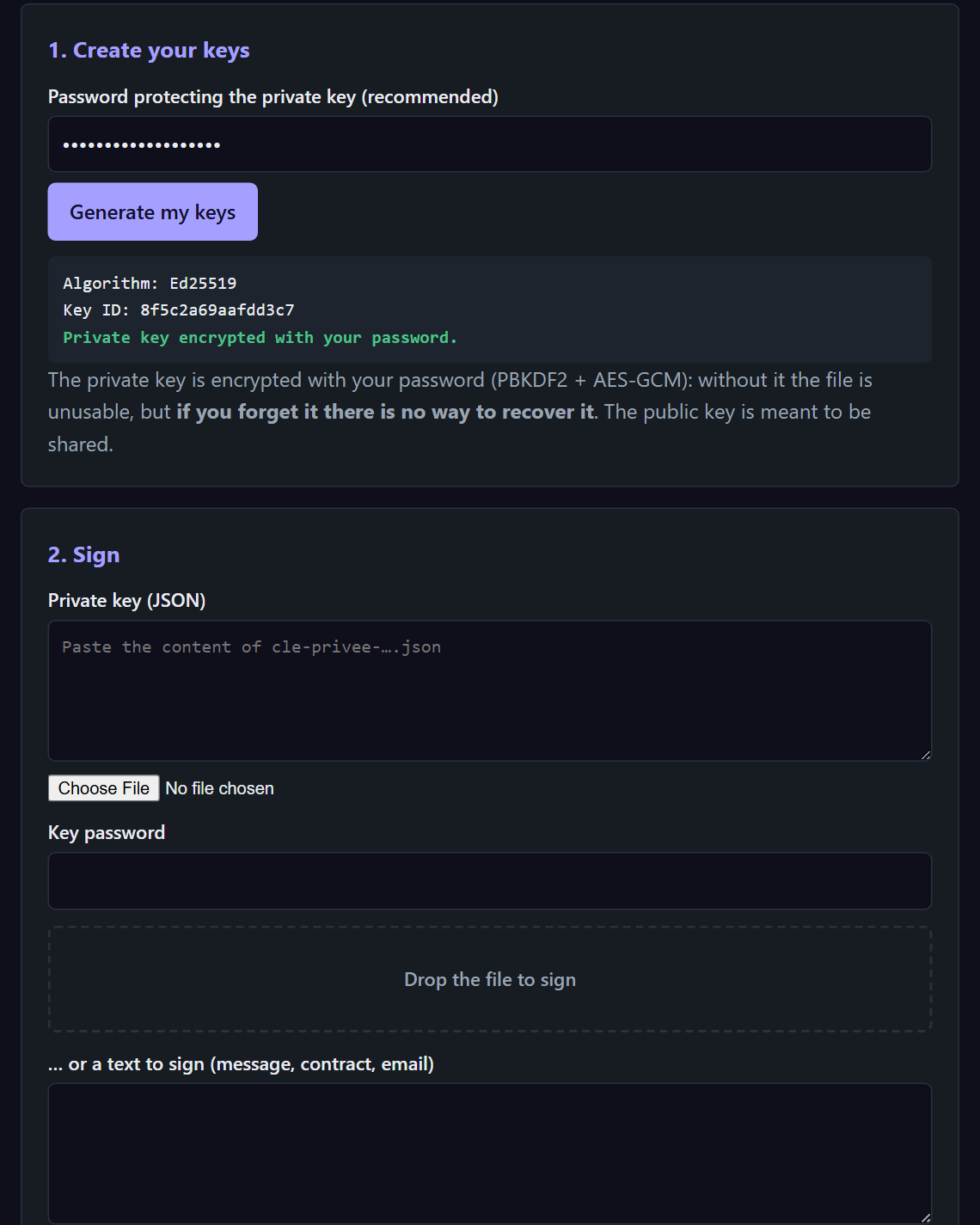
A key pair generated on your machine; the private key is encrypted with your password (PBKDF2 + AES-GCM).
A file or a text (message, contract, e-mail): you get a JSON signature to attach.
With the author's public key: valid and authentic, valid but not authenticated, or invalid if the content changed.
No. It is created and used in your browser, encrypted with your password, and the page forbids any connection.
Hand it over through a safe channel: in person, on your website, by phone. Without a trusted key, the tool shows “not authenticated”.
Soon. Sign up below: one single message when sales open.
Leave your e-mail and the tool you are interested in. One message when sales open, nothing else.
Drop in a CSV file: it spots abnormal values in each column, shows the typical value and the deviation, with a chart.
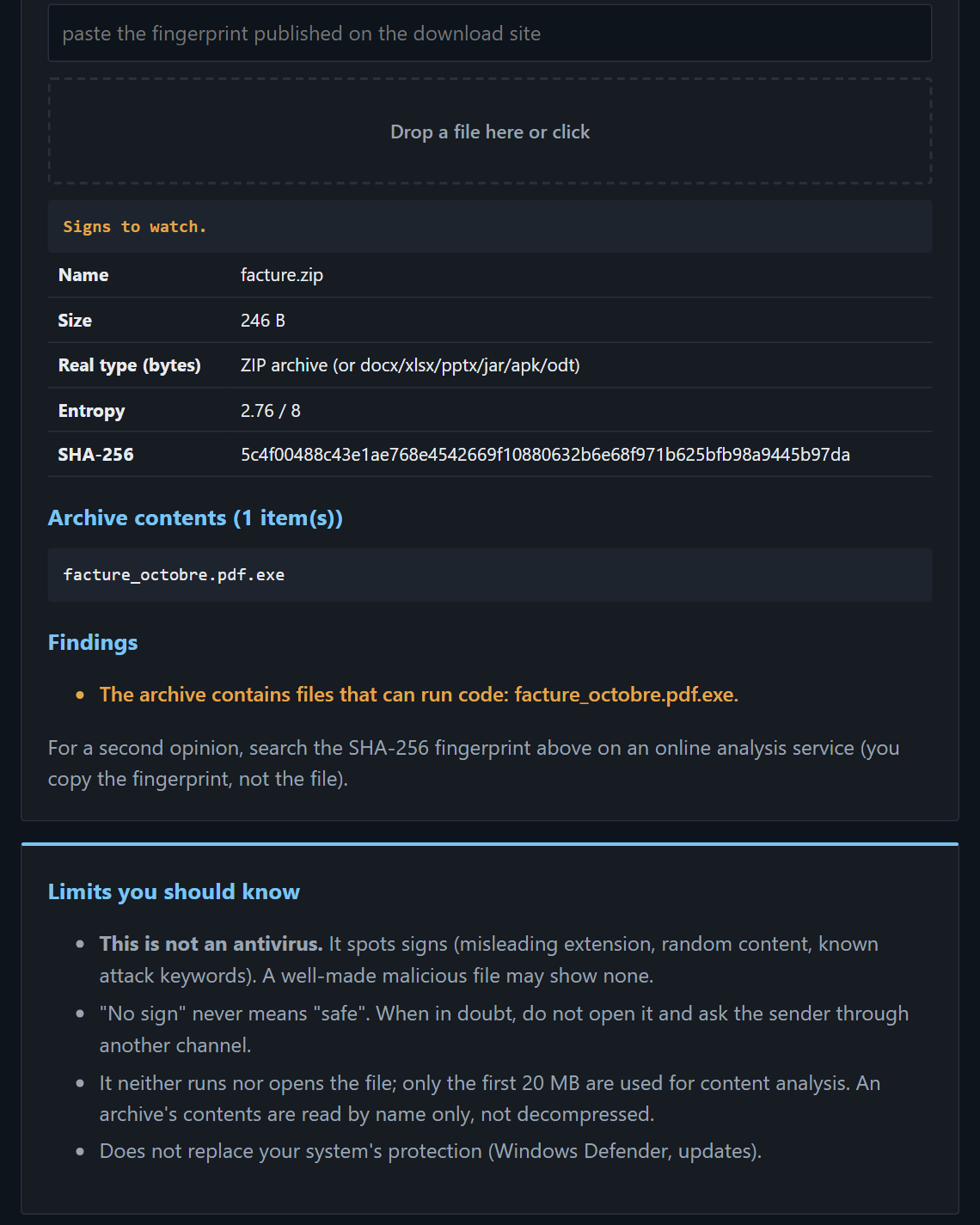
Before opening an attachment: misleading extension, archive contents, hidden executable, fingerprints to compare with the publisher's.
Gives clues; it is not an antivirus.
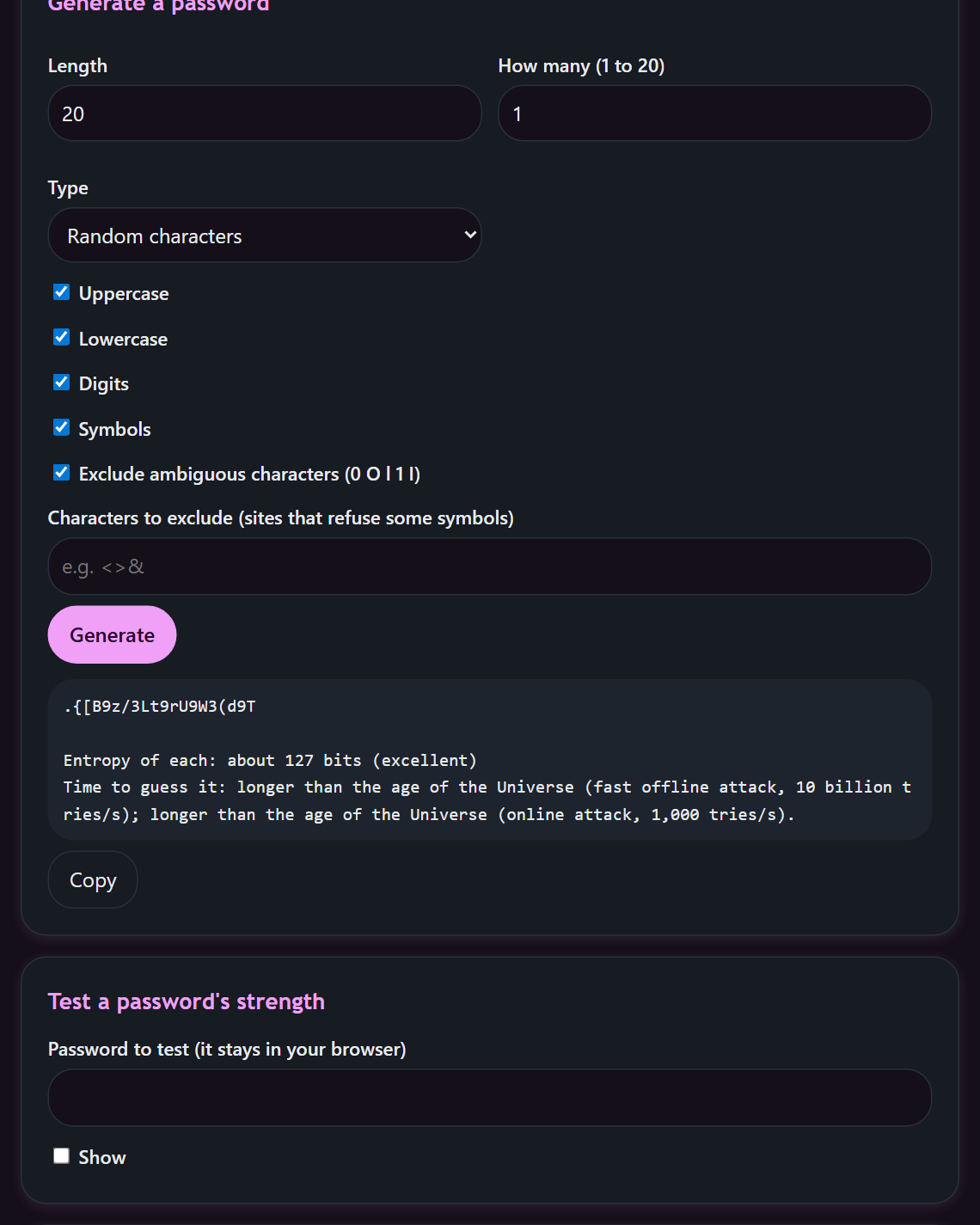
Generates passwords and passphrases with secure randomness, estimates the strength of an existing one. The breach check only runs when you ask for it.